MDX Blog Component Experiment
23. 11. 21.
Translated by Claude Opus 4.5
AI-generated content may be inaccurate or misleading.
This is a post for experimenting with MDX components that can be used on this blog.
If you're looking for practical content, feel free to skip this.
I started by using the component used in this blog title.
Seeing it work well shows that MDX has been properly applied.
Now that I can use components in the blog, I want to run some experiments.
First, let's test an inline code block console.log("Hello, World!"). Next is a regular code block test
console.log("Hello, World!")A simple button component
export function SimpleButton() {
  const [toggle, setToggle] = useState(false);
  const [count, setCount] = useState(0);

  return (
    <Button
      onClick={() => {
        setToggle(!toggle);
        setCount(count + 1);
      }}
    >
      {toggle ? "You pushed me!!" : "Push me!!"}
    </Button>
  );
}Reader IP lookup component using the ip.minpeter.uk server
export function Ip() {
  const [ip, setIp] = useState("");

  useEffect(() => {
    fetch("https://ip.minpeter.uk/ip").then((res) =>
      res.text().then((ip) => setIp(ip))
    );
  }, []);

  return <span>Your IP: {ip ? ip : "Loading..."}</span>;
}A simple counter component
export function Counter() {
  const [count, setCount] = useState(0);

  return (
    <div className="space-y-2">
      <p>Count: {count}</p>
      <div className="space-x-1">
        <Button onClick={() => setCount(count + 1)}>Count Up</Button>
        <Button variant={"outline"} onClick={() => setCount(0)}>
          Reset
        </Button>
      </div>
    </div>
  );
}
Count: 0
Really loves the word "simple" huh
ModCodeBlock, CodeBlock
aws ec2 create-subnet --vpc-id \
--cidr-block \
--availability-zone *Select the blue text to edit it before copying.
Above, you can use vpc-id, cidr-block, availability-zone as variables with ModCodeBlock. The format used is as follows:
<ModCodeBlock
  template="
    aws ec2 create-subnet --vpc-id {{vpc-id}} \
    {{%TAB}}--cidr-block {{cidr-block}} \
    {{%TAB}}--availability-zone {{availability-zone}}"
  data={{
    "vpc-id": "vpc-071ecca730edf705f",
    "cidr-block": "10.10.0.0/24",
    "availability-zone": "ap-northeast-1a",
  }}
/>
Here, {{%TAB}} was added for tabs. Such features can be added later if needed.
A feature of ModCodeBlock is that it allows readers to easily modify values that need to be changed before copying a command. This makes it easier for readers to follow along with blog posts centered around CLI.
This is the first practical MDX component added. To make it available by default in all posts, I modified app/blog/[slug]/post.tsx as follows:
"use client";

import { CodeBlock, ModCodeBlock } from "@/components/code-block";
import "@/styles/mdx.css";

import { getMDXComponent } from "mdx-bundler/client";

export default function PostContent({ code }: any) {
  const Component = getMDXComponent(code);
  return (
    <Component
      components={{
        code: ({ children, className }: any) => {
          const match = /language-(\w+)/.exec(className || "");
          const language = match ? match[1] : "";

          return <CodeBlock language={language} code={children} />;
        },
        ModCodeBlock,
      }}
    />
  );
}
This way, the component can be used globally.
Heading 1
/**
 * @param {string} names
 * @return {Promise<string[]>}
 */
async function notify(names) {
  const tags = []
  for (let i = 0; i < names.length; i++) {
    tags.push('@' + names[i])
  }
  await ping(tags)
}
class SuperArray extends Array {
  static core = Object.create(null)
  constructor(...args) { super(...args); }
  bump(value) {
    return this.map(
      x => x == undefined ? x + 1 : 0
    ).concat(value)
  }
}
const element = (
<>
<Food
season={{
sault: <p a={[{}]} />,
}}
></Food>
{/* jsx comment */}
<h1 className="title" data-title="true">
Read{" "}
<Link href="/posts/first-post">
<a>this page! - {Date.now()}</a>
</Link>
</h1>
</>
);Heading 2
Paragraphs:
This is a paragraph.
Lists:
-
List item 1
Lorem ipsum dolor sit amet, consectetur adipiscing elit, sed do eiusmod tempor incididunt ut labore et dolore magna aliqua.
-
test 1
Lorem ipsum dolor sit amet, consectetur adipiscing elit, sed do eiusmod tempor incididunt ut labore et dolore magna aliqua.
-
test 2
-
List item 2
-
List item 3
Lorem ipsum dolor sit amet, consectetur adipiscing elit, sed do eiusmod tempor incididunt ut labore et dolore magna aliqua.
This is test code
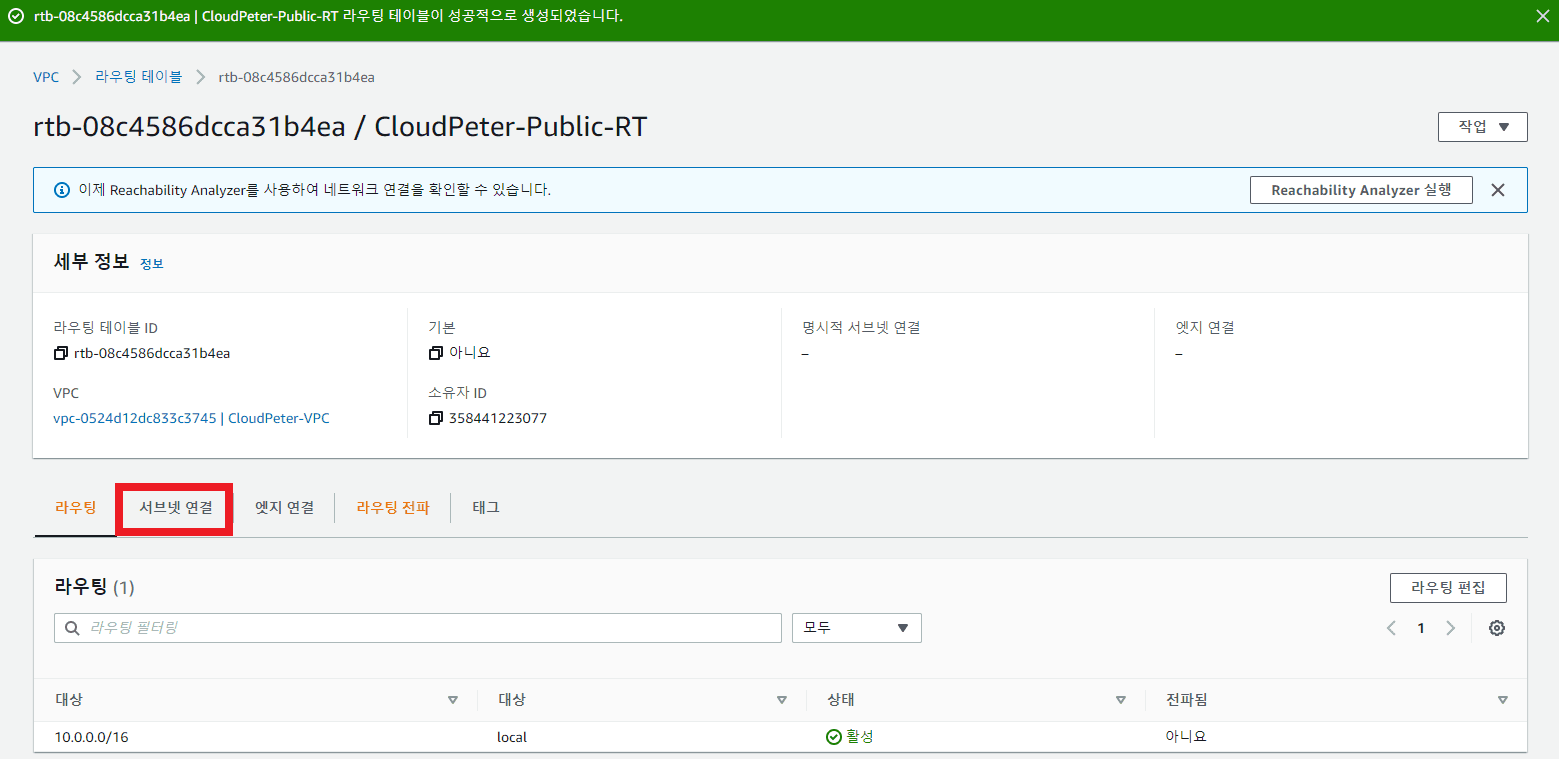
console.log("Hello, World!");And this is an image

-
-
-
List item 2
Lorem ipsum dolor sit amet, consectetur adipiscing elit, sed do eiusmod tempor incididunt ut labore et dolore magna aliqua.
-
List item 1
helloworldis a code block.package main import ( "fmt" ) func main() { fmt.Println("Hello, World!") } -
List item 2
- List item 3
- List item 4
Tables:
| Header | Content |
|---|---|
| Row 1 | Cell 1 |
| Row 2 | Cell 2 |
Code:
console.log("Hello, World!");ping google.com
Bold and Italic, Strikethrough
This is a quote.
3. Style
Published:
Modified: